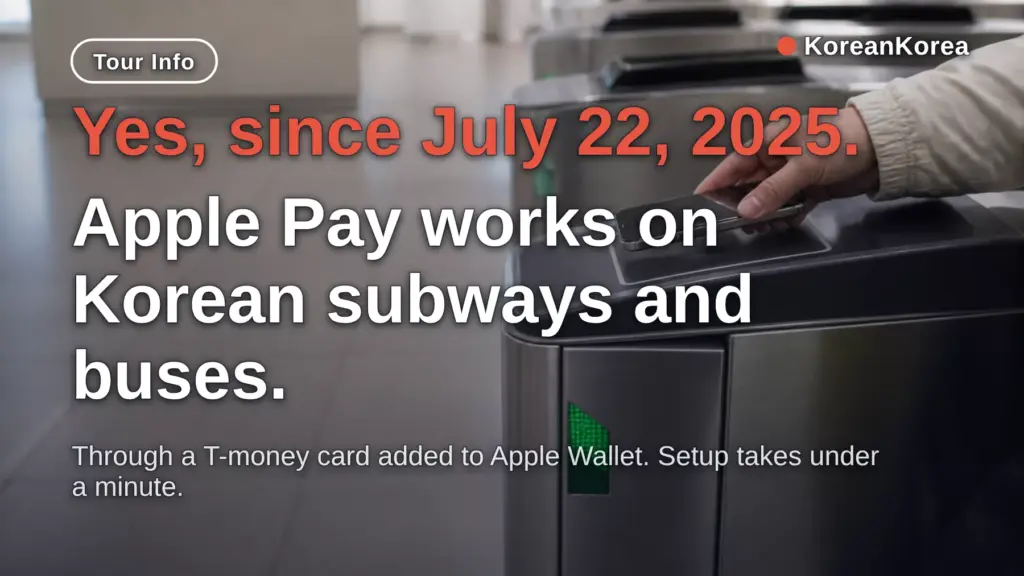
Yes — since July 22, 2025, Apple Pay works on Korean subways and buses through a T-money card added to Apple Wallet.
Can I Use Apple Pay in Korea Subway? Yes, Since July 22, 2025
| Transit support added | July 22, 2025 |
|---|---|
| Card to add | T-money (prepaid) in Apple Wallet |
| iPhone | XS / XR or later, iOS 17.2+ |
| Apple Watch | Series 6 / SE 2nd gen or later, watchOS 10.2+ |
| In-Wallet charging card | Hyundai Card only |
| Minimum first charge | ₩10,000, no fee |
| Auto-recharge amount | ₩10,000–50,000 at a balance you set |
Yes, since July 22, 2025, Apple Pay works directly on Korean subways and buses through a T-money card in Apple Wallet.
Before that date it did not work for transit at all, even though Apple Pay had launched in Korea in March 2023.
The gap lasted about 28 months, because Korean transit readers use T-money’s own standard instead of the EMV Contactless standard Apple Pay was built on.
Korea is now in the same group as Japan’s Suica, China, Canada, and France, where Apple Wallet carries a proprietary transit card.
The setup is short enough to do at the airport.
In Apple Wallet: tap +, choose Transit Card, select T-money, and follow the on-screen steps.
Express Mode turns on by itself, so you tap the gate reader without unlocking the phone or opening an app.
If you have an Android phone, this route is not available — Samsung Pay already had T-money, and physical cards cover the rest.
Tagless BLE Payment Pilot on Seoul Buses: What Happened in Fall 2025
The fall season came and went with a confirmed result: T-money ran a tagless BLE payment pilot on 36 Seoul bus routes, covering roughly 580 buses, starting October 2025.
In the pilot, fare deducts without tapping at all — BLE sensors on the bus detect the rider, and the feature is enabled through the mobile T-money app.
This runs alongside the Apple Pay T-money launch of July 22, 2025, which put Korea in the same group as Japan’s Suica (2016), China, Canada, and France, where Apple Wallet carries a proprietary-standard transit card instead of EMV Contactless.
It also gives iPhone users a transit payment rival to Samsung Pay T-money, which had been Android-only territory until 2025.
If you ride one of the pilot routes, the no-tap setup lives in the mobile T-money app; for everything else, Express Mode in Apple Wallet still means tapping the reader without unlocking your phone.
Seoul Climate Card Prices and How Many Rides Break Even
The Seoul Climate Companion Card comes in short-term tourist passes: 1-day ₩5,000, 2-day ₩8,000, 3-day ₩10,000, 5-day ₩15,000, 7-day ₩20,000, and 30-day ₩62,000 (₩65,000 with the Ttareungyi bike).
| Pass | Price | Rides to break even |
|---|---|---|
| 1-day | ₩5,000 | ~4 |
| 3-day | ₩10,000 | ~6 |
| 7-day | ₩20,000 | ~13 |
| 30-day | ₩62,000 | ~40 (42 with bike) |
The breakeven counts use the ₩1,550 Seoul–Incheon–Gyeonggi base fare in effect since June 28, 2025, and a 30-day pass saves ₩93,000 versus buying a 1-day pass every day for a month (31 × ₩5,000 = ₩155,000).
The pass is a physical card for iPhone users — the mobile version runs on Android 12 or later only — and it cannot be loaded into Apple Pay, so unlimited-pass riders still carry the physical card alongside any Apple Pay T-money setup.
Charging the Card: Hyundai Card in Wallet, Other Cards in the T-money App
Charging T-money inside Apple Wallet requires a Hyundai Card, the only Apple Pay partner in Korea.
Other Korean credit cards, bank transfer, and T-mileage work through the separate T-money iOS app instead.
At registration in July 2025, the minimum first charge was ₩10,000 and charging carried no fee.
Auto-recharge removes the top-up chore: you set a trigger balance and an amount between ₩10,000 and ₩50,000, for example charging ₩30,000 whenever the balance drops below ₩5,000.
At the Seoul base fare of ₩1,550 (as of June 28, 2025), a minimum ₩10,000 charge covers about six rides.
Set auto-recharge under Wallet > ‘…’ > Card Details > Auto Charge, and change it anytime.
If you hold no Korean card at all, see the section below on physical cards.
What Apple Pay T-money Does Not Cover
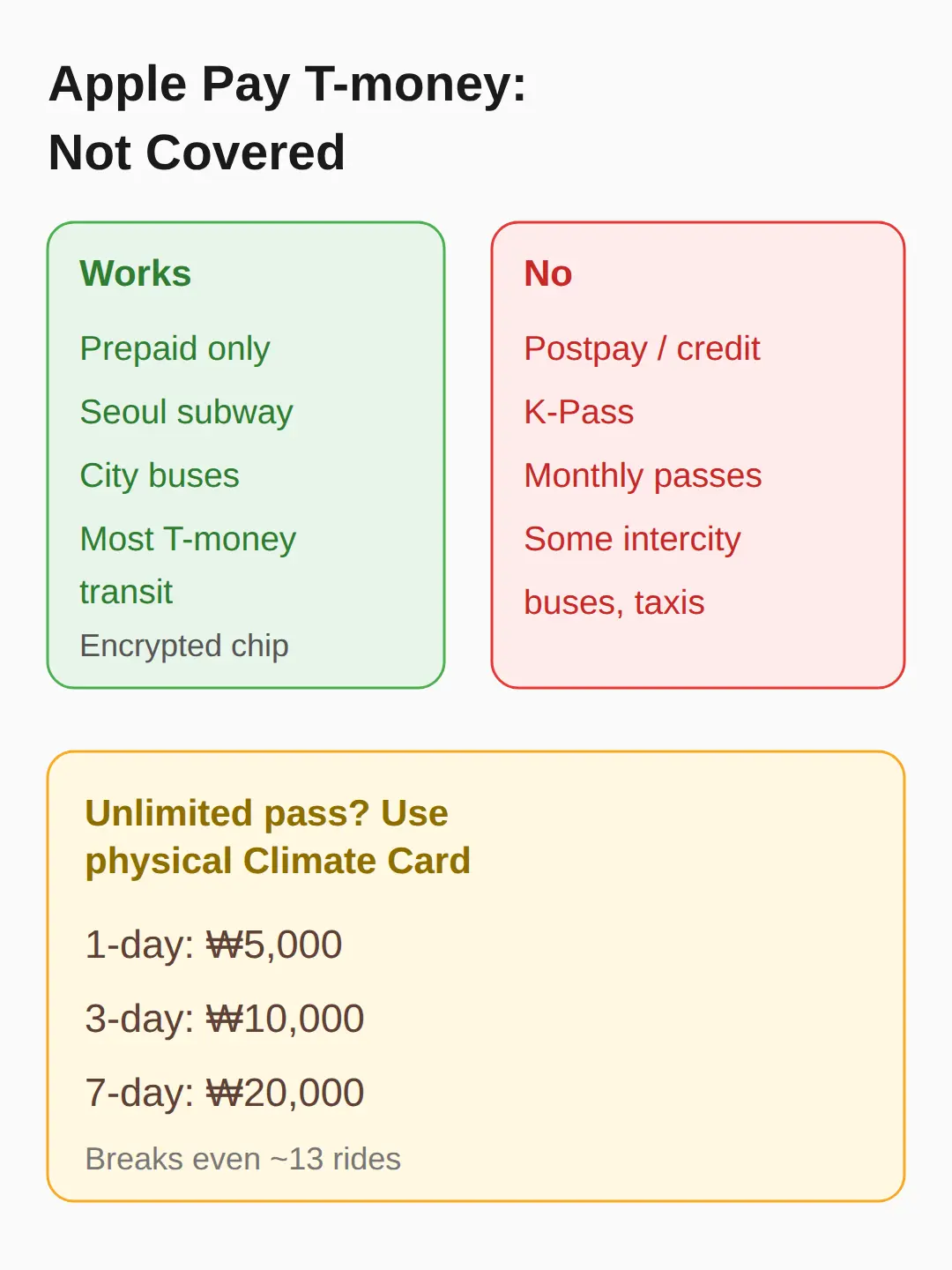
Apple Pay T-money is prepaid only — there is no credit-linked, postpaid transit payment.
K-Pass, the Seoul Climate Companion Card, and monthly commuter passes cannot be loaded, so unlimited-pass riders still need the physical Climate Card.
Some intercity buses and taxis in some regions also do not take it.
Within those limits it works on virtually all T-money transit nationwide, including Seoul subway lines and city buses.
Card data is encrypted in the Secure Element chip, and Apple does not track your payment or travel history.
If your plan is a Seoul unlimited pass for a week, buy the physical Climate Card instead: 1-day ₩5,000, 3-day ₩10,000, 7-day ₩20,000, breaking even at roughly 13 rides on the 7-day pass.
iPhone and Apple Watch Requirements
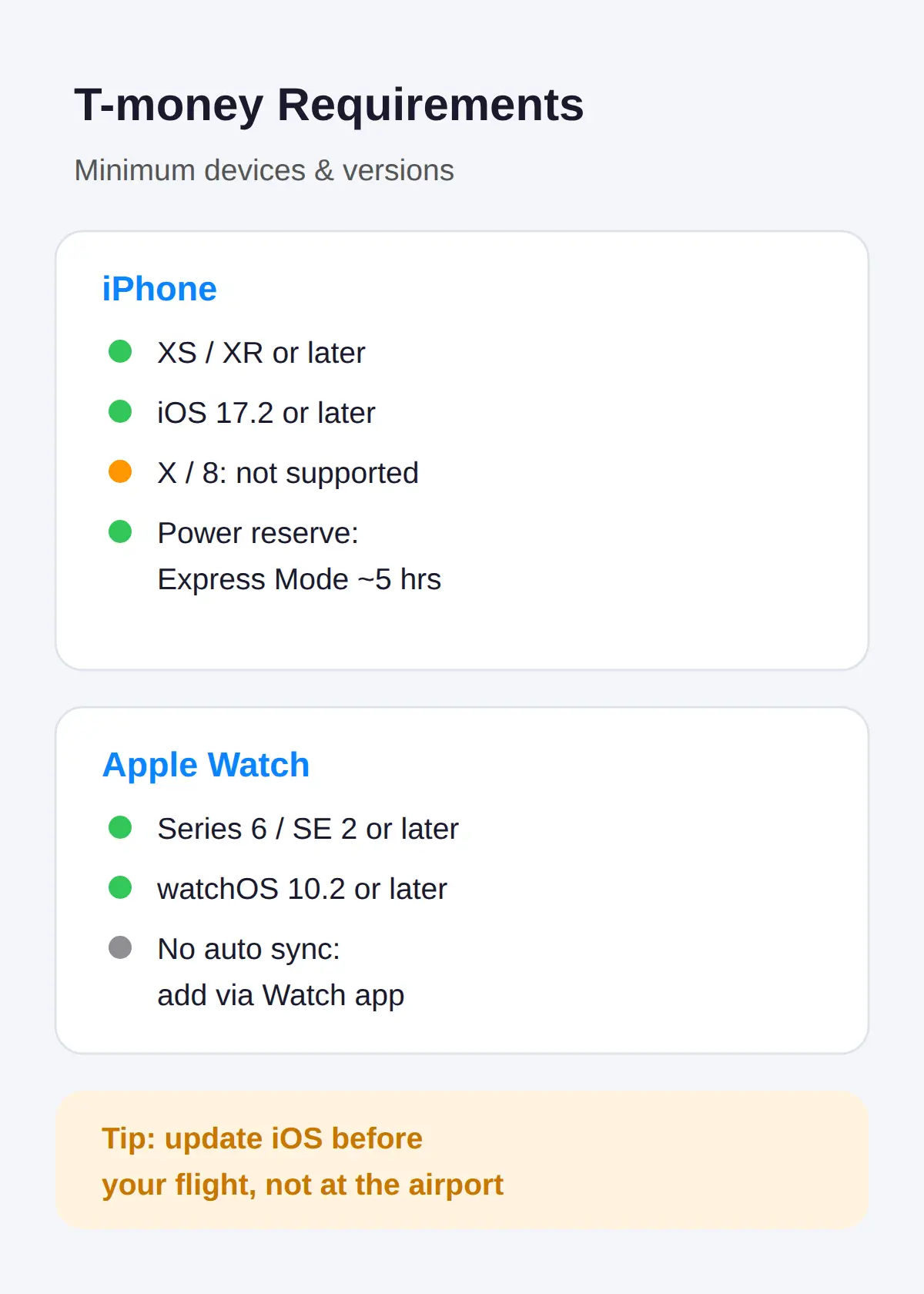
The T-money card in Apple Wallet needs an iPhone XS or XR or later running iOS 17.2 or later.
The iPhone X and iPhone 8 cannot add the card, because the feature depends on Face ID-era hardware.
On Apple Watch, Series 6 or SE 2nd generation or later on watchOS 10.2 or later is required.
The card does not sync to the watch automatically — you move it from the iPhone through the Watch app yourself.
Express Mode also survives a low battery: on iPhone XS and later it keeps working up to about 5 hours in power reserve, though a fully dead phone cannot pass the gate.
Check your iOS version before your flight, since updating at the airport on airport Wi-Fi is a poor start to a trip.
No Korean Card? Physical T-money and Prepaid Alternatives
Cash top-up at those stores and kiosks needs no Korean card at all, which is why it remains the default for short visits.
WOWPASS is the other main option — a prepaid payment card with built-in T-money transit, topped up through its app with foreign cards.
NAMANE is a similar prepaid card aimed at visitors.
Apple Pay in-store purchases work only at merchants with EMV Contactless terminals, so a prepaid card that covers both transit and everyday spending is a reliable setup for visitors.
For a trip under a week with light transit use, the physical T-money card plus cash is the simplest setup, and Apple Pay T-money adds convenience only if you also hold a Hyundai Card or use the T-money app.
Related posts
📎 Seoul — everything we know
📎 📅 Upcoming Dates — Release & Event Calendar
Sources
- Apple Watch needs manual card transfer; power reserve ~5h; a (joongang.co.kr)
- Auto-recharge user-set trigger + KRW 10,000–50,000 range; Ex (newsis.com)
- iOS 17.2+, iPhone XS/XR+, Watch S6/SE2+, auto-recharge setup (ndolson.com)
Check These After Reading
- Before your flight: update to iOS 17.2+ and add the T-money card in Apple Wallet.
- Set auto-recharge before your first ride so the gate never rejects a low balance.
FAQ
Q. Can I use Apple Pay on the Seoul subway?
Yes. Since July 22, 2025, a T-money card added to Apple Wallet works on Seoul subway gates and buses through Express Mode, with no need to unlock the phone.
Q. How do I add T-money to Apple Wallet?
Open Apple Wallet, tap +, choose Transit Card, select T-money, and follow the setup. Express Mode enables automatically on the first card.
Q. Do I need a Hyundai Card to charge T-money in Apple Wallet?
Yes for charging inside Apple Wallet — Hyundai Card is the only in-Wallet option. Other Korean credit cards and bank transfer work through the separate T-money iOS app.
Q. Does Apple Pay work with K-Pass or the Climate Card?
No. Only standard prepaid T-money loads into Apple Wallet. K-Pass, the Seoul Climate Companion Card, and monthly passes still require a physical card.
Q. Do I still need a physical T-money card as a tourist?
Not for transit, if your iPhone is XS or later and you can charge the card. You still need one for unlimited passes, some intercity buses, and cash-only top-ups.
Q. How long does Apple Pay Express Mode work when my iPhone battery dies?
On iPhone XS and later, Express transit mode keeps working for up to about 5 hours in power reserve after the battery runs out. Once the phone is fully dead, it cannot pass the gate.
Q. What is the minimum T-money top-up amount in Apple Wallet?
The minimum first charge at registration is ₩10,000, and charging is fee-free.
Q. What is the T-money tagless bus payment pilot in Seoul?
Since October 2025, T-money has run a tagless BLE payment pilot on 36 Seoul bus routes (about 580 buses) where the fare deducts without tapping. It is enabled in the mobile T-money app.
Add a T-money card to Apple Wallet before your trip — it takes under a minute, and the subway gate is where it pays off.
Cover photo: AI-generated illustration (subway ticket gate) — AI-generated image, illustrative only
#ApplePayKorea #T-money #Koreasubway #Seoulsubway #Koreatravelcard #AppleWallettransit #WOWPASS
📅Upcoming Schedule — this week 1 · D-7 Godsoi lineup removed from menus after 2026-11-09See all →Last updated 2026-10-13. Editorial policy