
Google Maps shows the map of South Korea fine, but the moment a walking or driving route is needed, it stops.
That wall hits most first-time visitors right at the airport, when the trip has already started.
Multiple trip-planning threads on r/koreatravel this week ask the same thing: which apps actually work for getting around Seoul and Busan.
This post covers why the usual apps fail, what each Korean app does, and which one to open in which situation.
Korea navigation apps: why Google Maps goes silent in Korea
Google Maps in South Korea can display the map, but it does not produce walking or driving directions and offers no turn-by-turn navigation.
The reason is a Korean restriction on exporting detailed geographic and map data, which keeps foreign navigation apps from building in-country routing.
This is not a temporary outage and it does not improve with a VPN or a different phone.
The practical fix is to install Korean apps before departure, because first-time visitors hit this wall the moment they need directions.
A 2026 Korea travel guide lists four installs to have ready on landing day.
| Finding a place, walking route, subway and bus directions | Naver Map |
|---|---|
| Cafe, restaurant, or attraction search by category | KakaoMap |
| Hailing a taxi, checking the fare first | Kakao T |
| Metro lines and transfers in Seoul or Busan | Subway Korea |
| Reading Korean signs and menus | Papago |
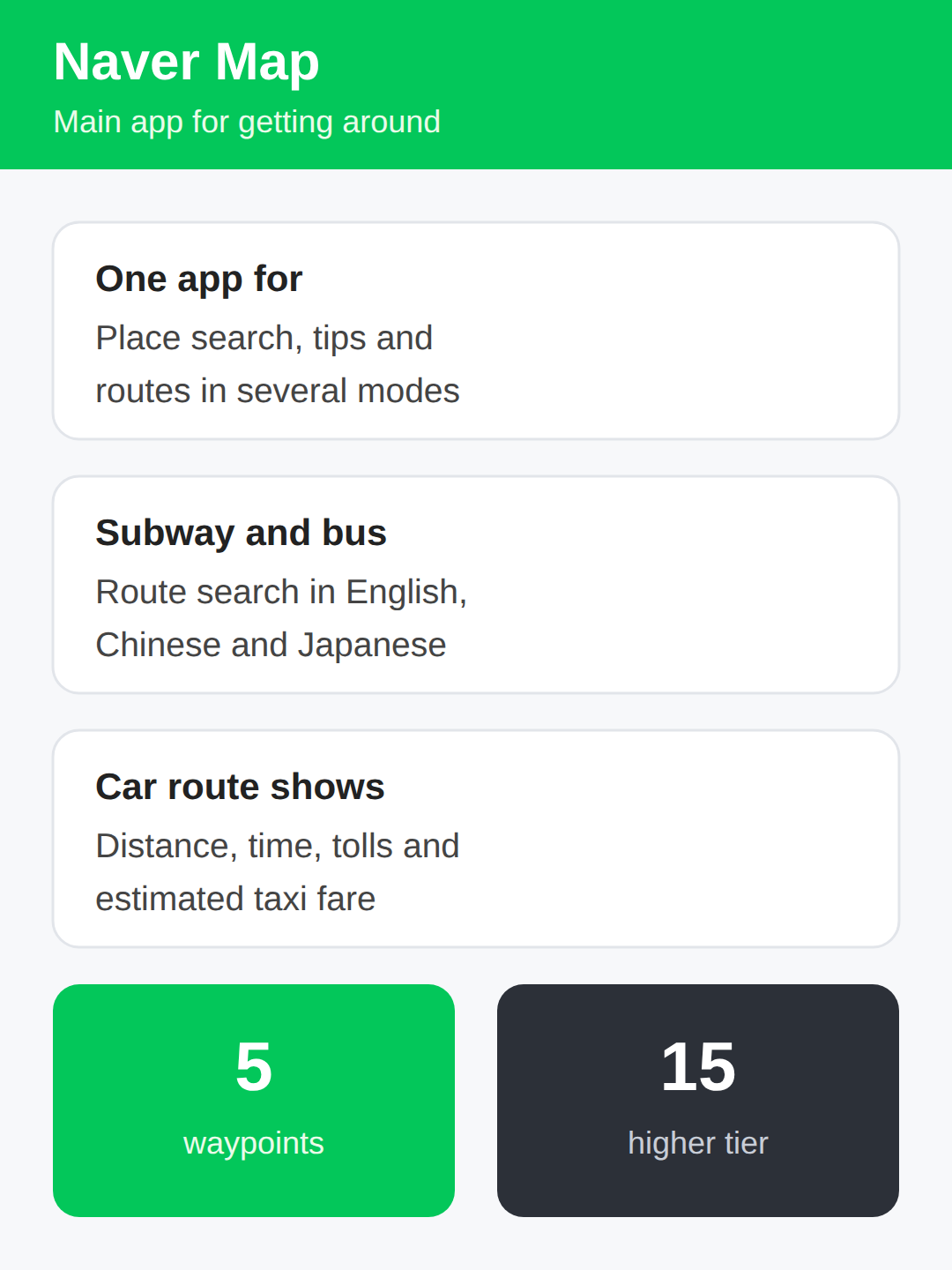
Naver Map — the main app for getting around
Naver Map is the primary replacement for Google Maps in Korea, and 2026 guides put it first for a reason.
It handles place search, recommendations, and route guidance across several transport modes in one app.
For a foreign visitor the key point is that subway and bus route search works in English, Chinese, and Japanese.
A car route search also returns distance, travel time, tolls, and an estimated taxi fare.
Route searches support up to 5 waypoints, which covers a day itinerary with several stops, and the higher tier holds up to 15.
👉 Busan travel guide 2026: why Taiwanese tourists are flying in and booking longer stays
Where KakaoMap wins on search and where routing stops at cars
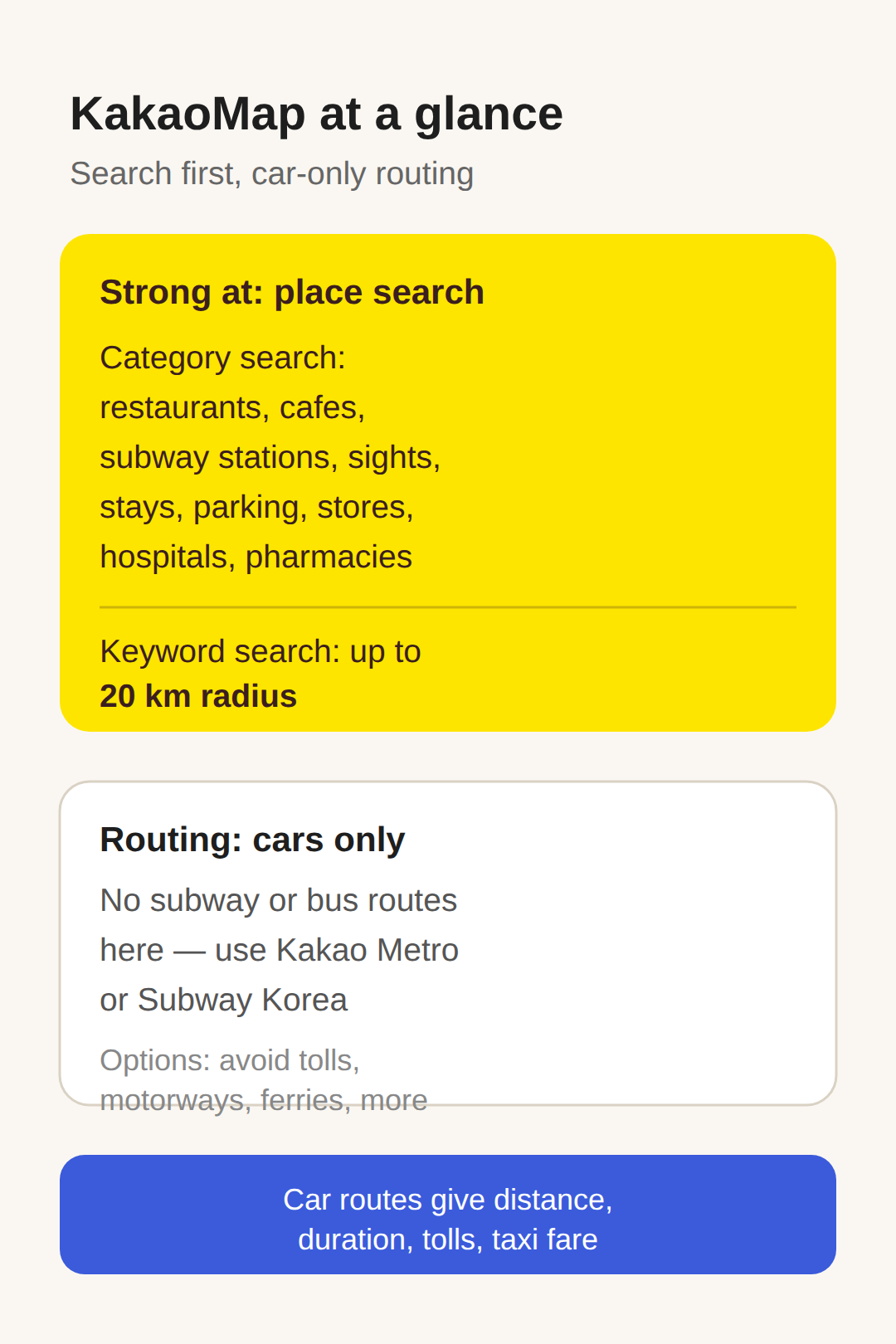
KakaoMap is built around finding places rather than full trip planning.
Its category search covers the things travelers actually look for: restaurants, cafes, subway stations, tourist attractions, accommodation, parking, convenience stores, hospitals, and pharmacies.
Keyword search works from a center point with a radius up to 20 kilometers and sorting by distance, which fits the usual near-me search.
On directions, Kakao’s routing is car-only, so subway and bus routes have to come from another app such as Kakao Metro or Subway Korea.
Car routes do return distance, duration, tolls, and an estimated taxi fare, with options to avoid toll roads, motorways, ferries, school zones, or U-turns.
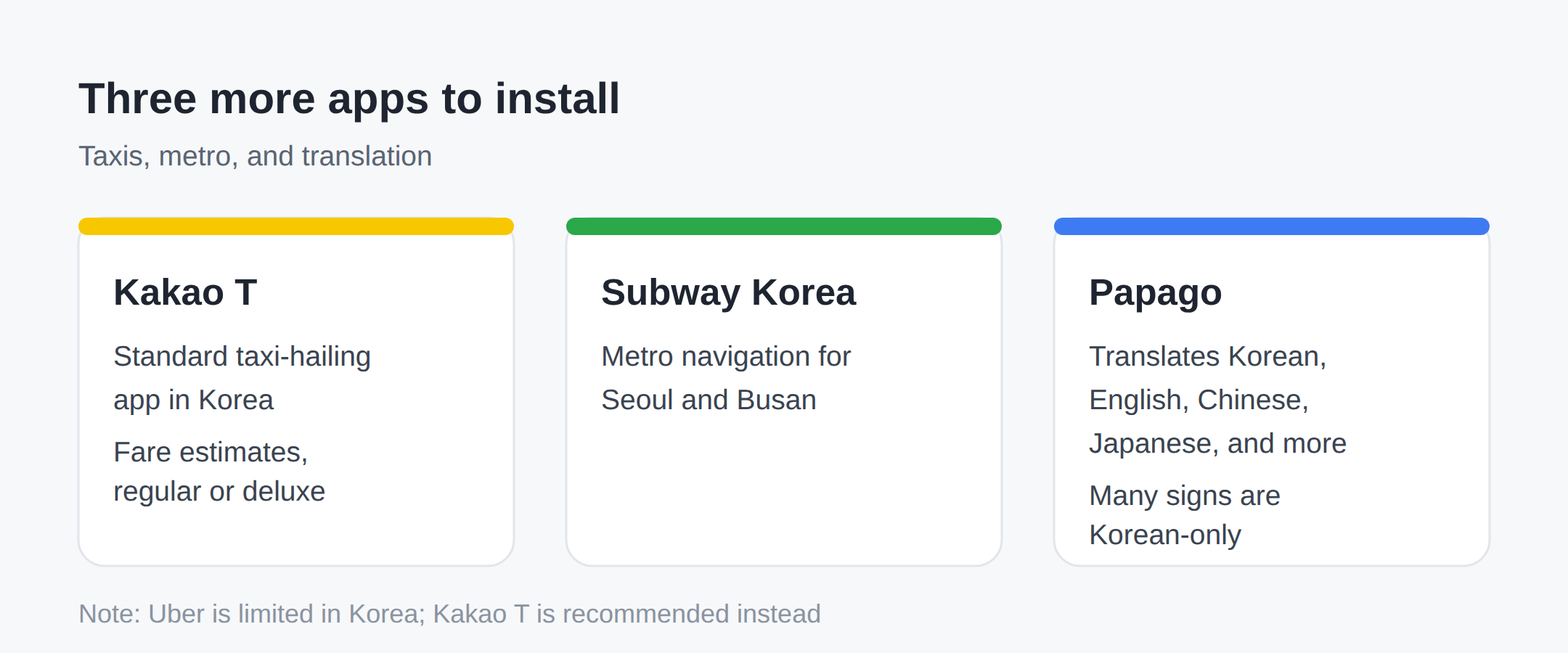
Kakao T, Subway Korea, and Papago
Kakao T is Korea’s standard taxi-hailing app, and it is the recommended option because Uber is limited in Korea.
It shows fare estimates and calls regular or deluxe taxis.
Subway Korea handles metro navigation for Seoul and Busan and rounds out the four recommended installs.
Papago covers translation for Korean, English, Chinese, Japanese, and more, which matters because many signs, menus, and shop listings are Korean-only.
Naver Map and Papago together cover most of what a walking day in a Korean city throws at a visitor.
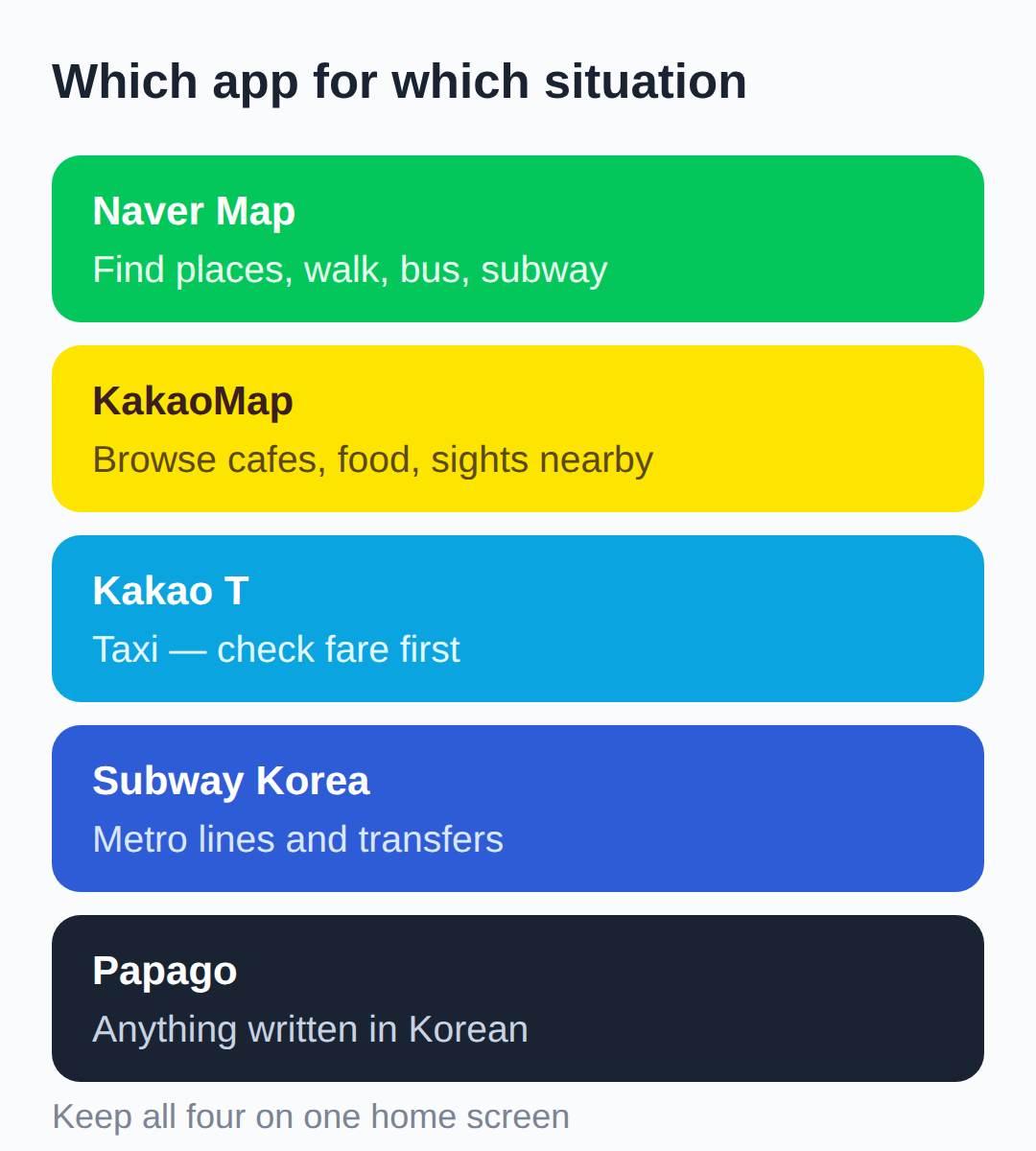
Which app for which situation
The split by situation is short.
For finding a place and getting there on foot or by subway and bus, Naver Map is the default.
For browsing cafes, restaurants, or attractions by category near a spot, KakaoMap is the tool.
For a taxi, open Kakao T and check the fare estimate before requesting the ride.
For metro lines and transfers, Subway Korea.
For anything written in Korean, Papago.
Keeping all four on one home screen covers a full day in Seoul or Busan without switching plans mid-trip.
👉 Korea eSIM travel tips: same trip, up to 33% cheaper eSIM
Before you fly — late October foliage season
Install the four apps and open each one once before departure, while home Wi-Fi is available.
Peak autumn foliage arrivals cluster around late October, and the arrival day is the worst moment to discover that Google Maps will not route.
Downloading and signing in beforehand means the apps are ready before the airport Wi-Fi question even comes up.
The numbers and app roles in this article are current as of September 6, 2026; app features change, so re-check before a later trip.
👉 South Korea travel guide 2026 with the four pre-landing app installs
👉 Naver Map official service overview from Naver Corp
👉 Kakao Map and Mobility API capabilities, category codes, and limits
👉 Naver Map URL scheme guide for deep links
Related posts
📎 Seoul — everything we know
📎 Gyeongbokgung night tour 2026: 3,000 won, Sept 2-Oct 2, and how booking works
📎 Jeju travel 2026: why autumn beats monsoon for your 14-day Korea trip
📎 📅 Upcoming Dates — Release & Event Calendar
Sources
- T Map exists as a major car-nav app but is not in the 2026 f (travelguidesfinder.com)
- Naver Map positioning (navercorp.com)
- Naver Map tools: geocode, reverse geocode, directions (trafa (github.com)
Quick checklist before departure
- Install Naver Map, KakaoMap, Kakao T, Papago, and Subway Korea before leaving home.
- Plan multi-stop days inside Naver Map — up to 5 waypoints in one route search.
- Check the estimated taxi fare in Kakao T before requesting a ride.
FAQ
Q. Why doesn’t Google Maps work in Korea?
Korea restricts export of detailed geographic and map data, so Google Maps can display the map but cannot produce walking or driving directions or turn-by-turn navigation inside South Korea.
Q. Does KakaoMap cover walking directions?
Kakao’s routing service is confirmed car-only. For walking, subway, and bus routes, use Naver Map, and for metro lines specifically use Kakao Metro or Subway Korea.
Q. Does Naver Map or KakaoMap work offline, without a Korean SIM?
Offline capability for both apps was not confirmed in recent sources. Carry a data plan or eSIM rather than relying on offline maps.
Q. Does Kakao T accept foreign credit cards without a Korean number?
Payment and sign-up requirements for foreign visitors were not confirmed in recent sources. Check the app’s payment settings before depending on it for rides.
Start with Naver Map for directions and add KakaoMap, Kakao T, Papago, and Subway Korea on top — the five installs cover the whole trip.
Cover photo: Background Travel by Chatree Petjan — CC0 1.0
#Koreanavigationapps #NaverMap #KakaoMap #KakaoTtaxi #Papagotranslator #SubwayKoreaapp #GoogleMapsKorea #Seoultraveltips #Koreatripprep #NaverMapvsKakaoMap
📅Upcoming Schedule — this week 1 · D-7 Godsoi lineup removed from menus after 2026-11-09See all →Last updated 2026-09-27. Editorial policy